
Rainbow Six Siege Crossplay & Cross-Progression (2026 Guide)
Introduction — Play With Anyone, Anywhere in Rainbow Six Siege
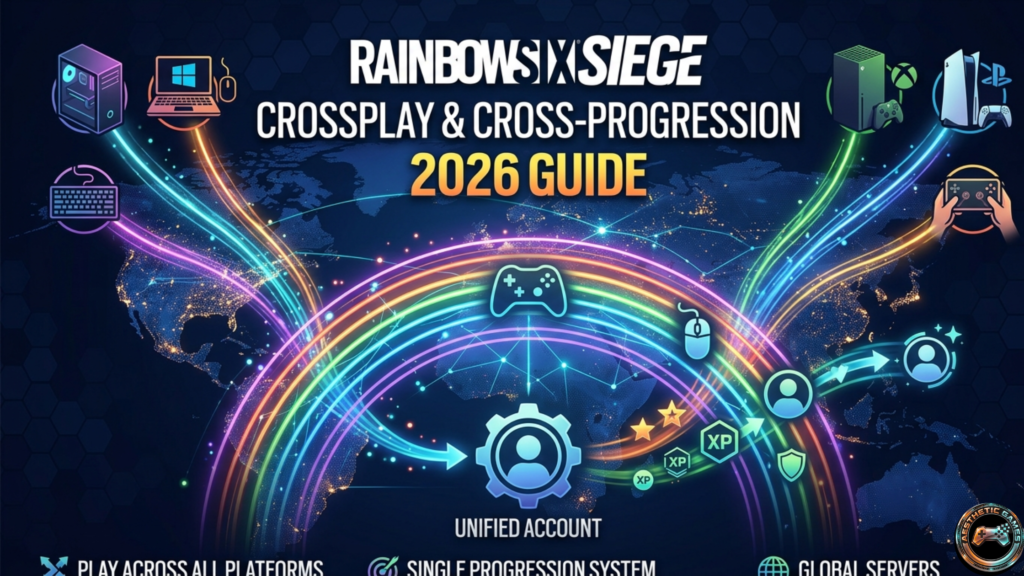
You’re on PS5. Your friend is on Xbox. Another is on PC. And you’re all asking the same thing: is Rainbow Six Siege crossplay actually working properly in 2026?
That frustration used to be real. But things have evolved significantly since Ubisoft introduced crossplay back in Operation Solar Raid.
This guide gives you clear, current answers — no outdated info, no confusion.
🔥 Quick Answer (2026)
Yes, Rainbow Six Siege supports crossplay — with platform limitations.
- Console players → PlayStation + Xbox together
- PC players → Separate matchmaking pool
- Cross-progression → Fully supported across all platforms
👉 In 2026, the system is more stable, faster, and widely used than in previous years.
Crossplay in Siege — 2025 vs 2026
| Feature | 2025 | 2026 |
| Console crossplay | Fully supported | More stable & faster |
| PC crossplay | PC-only | Same |
| PC vs Console | Not supported | Still not supported |
| Matchmaking speed | Good | Improved |
| Friend system | Functional | More reliable |
👉 Key takeaway:
2026 didn’t change the structure — it improved performance and stability.
Is Rainbow Six Siege Cross-Play?
Platform Compatibility Breakdown
| Platform Group | Crossplay Status |
| PlayStation ↔ Xbox | ✅ Supported |
| PC (Steam / Ubisoft Connect) | ✅ Supported (PC only) |
| PC ↔ Console | ❌ Not supported |
👉 Console crossplay is fully active.
👉 PC remains isolated for competitive balance.
Can PC Players Play With Console Players?
Short answer: No — still not in 2026.
Why This Restriction Exists
- Mouse & keyboard = faster precision
- Controllers = slower input
👉 The difference can be 100–250ms in reaction time, which is huge in Siege.
2025 vs 2026
- 2025 → Community demanded mixed lobbies
- 2026 → Ubisoft still prioritizes competitive fairness
How Crossplay Works — Platform Breakdown
Console Crossplay (PlayStation ↔ Xbox)
- PS4 ↔ Xbox One
- PS5 ↔ Xbox Series X|S
- Cross-generation works seamlessly
👉 In 2026, queue times are faster than ever due to a unified player pool.
PC Crossplay (Steam vs Ubisoft Connect)
- Launcher doesn’t matter
- All players connect through Ubisoft accounts
👉 Same system as 2025 — but more stable connections in 2026
Does Crossplay Affect Matchmaking Speed?
Yes — positively.
2025 vs 2026 Matchmaking
| Factor | 2025 | 2026 |
| Queue time | Moderate | Faster |
| Skill balance | Decent | Improved |
| Ping stability | Slight variation | More consistent |
👉 Small ping differences (5–15ms) can still happen.
How to Enable or Disable Crossplay
Enable Crossplay
- Open Settings
- Go to Matchmaking
- Turn ON crossplay
👉 Works instantly — no restart needed.
Disable Crossplay
Disable it if:
- You want stricter matchmaking
- You’re grinding ranked
- You prefer same-platform consistency
👉 Same toggle — switch OFF.
Can You Choose Specific Platforms?
❌ No — still not possible in 2026
You can only:
- Enable full crossplay
- Or disable it entirely
👉 This remains a top community request
Adding Cross-Platform Friends
Ubisoft Connect System
Your Ubisoft account is your universal ID across:
- PlayStation
- Xbox
- PC
How to Add Friends
- Open Ubisoft Connect
- Search username
- Send request
- Invite to the squad
👉 Works across all supported platforms.
Common Issues (2026 Fixes)
- Player not found → check username
- Invite not working → restart game
- Account mismatch → relink accounts
👉 In 2026, these issues are less frequent than before
Cross-Progression Explained (2026)
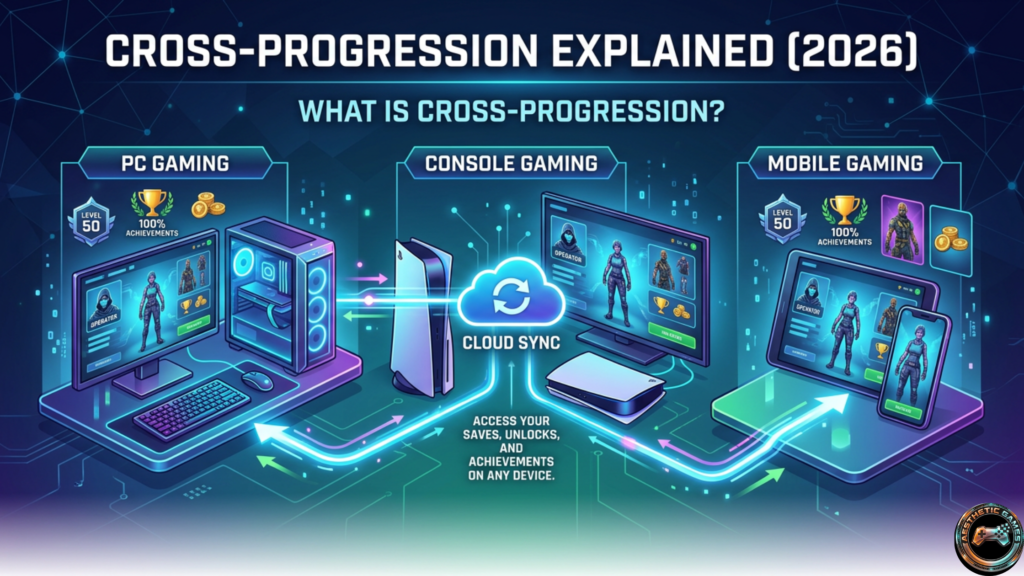
What Is Cross-Progression?
Your progress carries across platforms.
👉 Yes — fully supported.
What Carries Over?
Fully Synced
- Operators
- Skins
- Battle Pass
- Renown
- R6 Credits
Partially Synced
- Ranked MMR (separate per platform group)
2025 vs 2026 Progression
| Feature | 2025 | 2026 |
| Sync speed | Sometimes delayed | Faster |
| Reliability | Occasional bugs | More stable |
| Account linking | Confusing | Improved UX |
How to Link Accounts
- Go to your Ubisoft account
- Open Linked Accounts
- Connect platforms
- Verify login
⚠️ Important:
Changing accounts later is still difficult.
Crossplay in Ranked Mode
Is Ranked Crossplay Enabled?
Yes — but only within platform groups:
- Console vs Console
- PC vs PC
👉 Keeps matchmaking fair.
Does Crossplay Affect Rank?
Not directly.
But:
- Playing with stronger players increases the difficulty
- Rank adjusts based on performance
PC vs Console — Is Crossplay Fair?
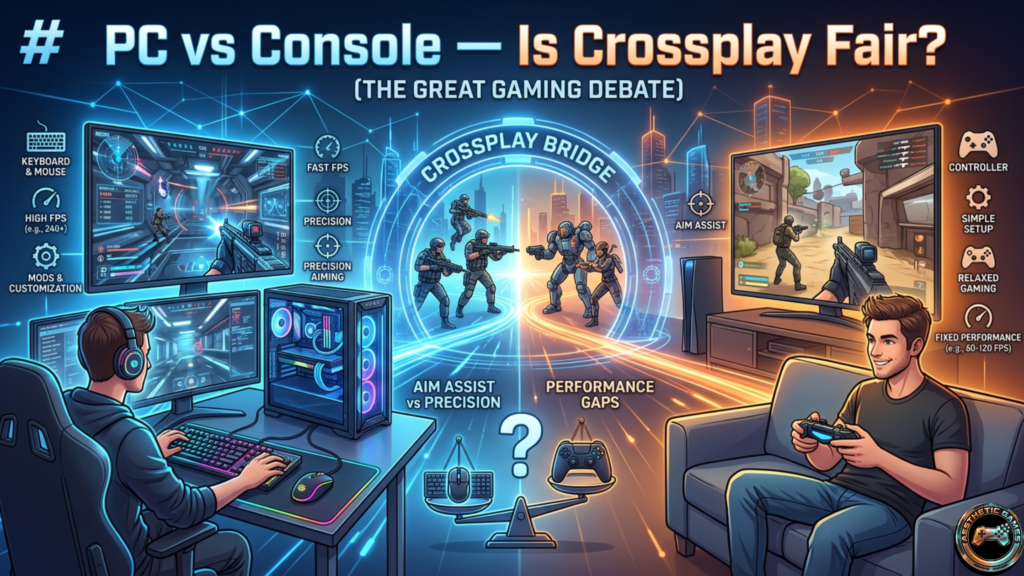
Input Difference
- Mouse = precision
- Controller = aim assist
👉 Still not balanced enough for mixed lobbies.
Performance Difference
| Factor | PC | Console |
| FPS | Higher | Limited |
| Input speed | Faster | Slower |
👉 Even small FPS differences matter in Siege.
Should You Enable Crossplay?
Enable If:
- You want faster matchmaking
- You play casually
- You want to play with friends
Disable If:
- You play ranked seriously
- You want consistent competition
👉 In 2026, most casual players keep it ON.
Troubleshooting Crossplay (2026)
Crossplay Not Working
Check:
- Toggle enabled
- Accounts linked
- Game updated
Can’t Join Friends
Try:
- Restarting game
- Re-adding friend
- Checking platform compatibility
Cross-Progression Issues
Fix:
- Log out/in
- Re-link accounts
👉 Most syncing issues resolve quickly in 2026.
What’s Next for Crossplay?
Expected improvements:
- Platform-specific matchmaking filters
- Better party systems
- Improved voice/chat tools
👉 Community demand is pushing for PC + Console integration, but no confirmation yet.
Frequently Asked Questions
Is Rainbow Six Siege crossplay in 2026?
Yes — console crossplay is fully supported.
PS5 vs Xbox?
Yes, fully crossplay compatible.
PC with console?
No — still separated.
Cross-progression available?
Yes, fully supported.
Split screen?
No — not supported.
Final Thoughts
So, is Rainbow Six Siege crossplay worth using in 2026?
👉 Yes — as long as you understand its limits.
- Console players → Best experience
- PC players → Fair competitive environment
If your goal is to play with friends, crossplay works great.
If your goal is competitive grinding, you may want stricter settings.
👉 Next step:
Enable crossplay, link your Ubisoft account, and test a few matches yourself — that’s where you’ll really understand the difference in 2026.